
How do I stop Route monitoring?
Stop Route monitoring
Route monitoring uses GPS in the background while it is active. This is how you turn it off:
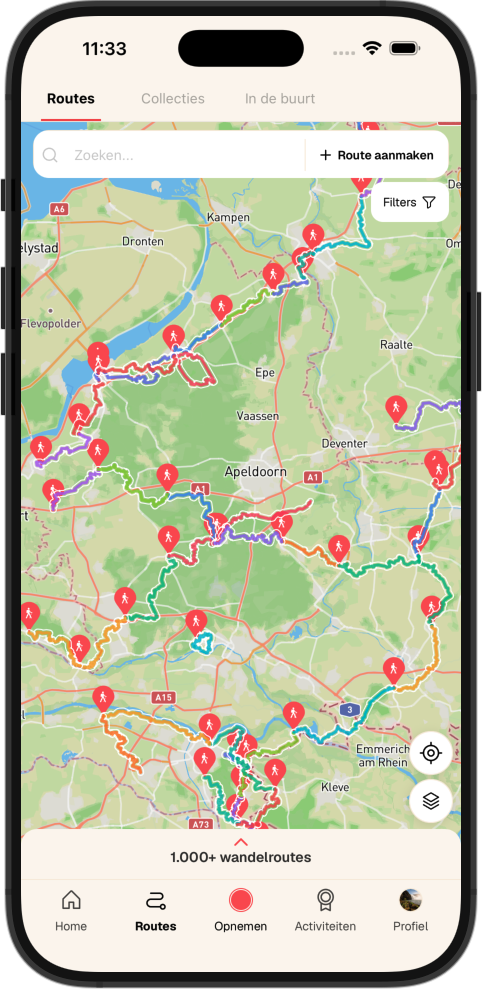
- Open the route on the map in the WandelWeb app
- Tap the bell icon to turn off route monitoring
- Just paused a recording? Also confirm "Yes, stop" when the app asks if route monitoring should stop too
Good to know:
- Closing the app is not enough — you must explicitly turn off route monitoring
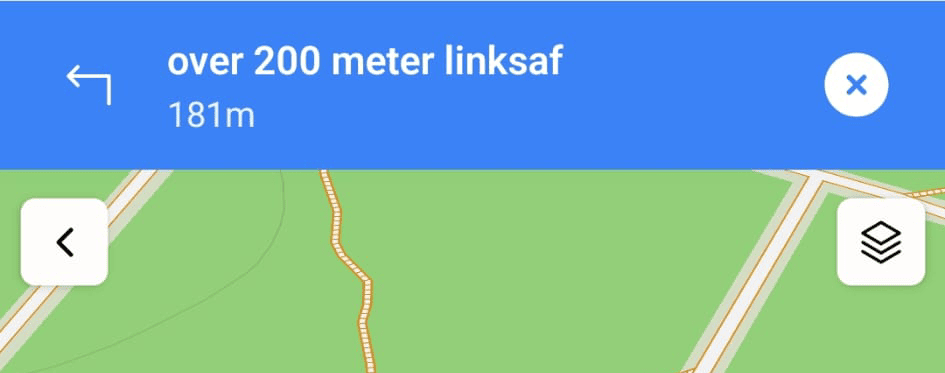
- Route monitoring can run alongside navigation or recording; check whether other features are still active
- See also: Why does WandelWeb stay active in the background and how do I stop it? in the Navigate and Record category